

Serial Terminal
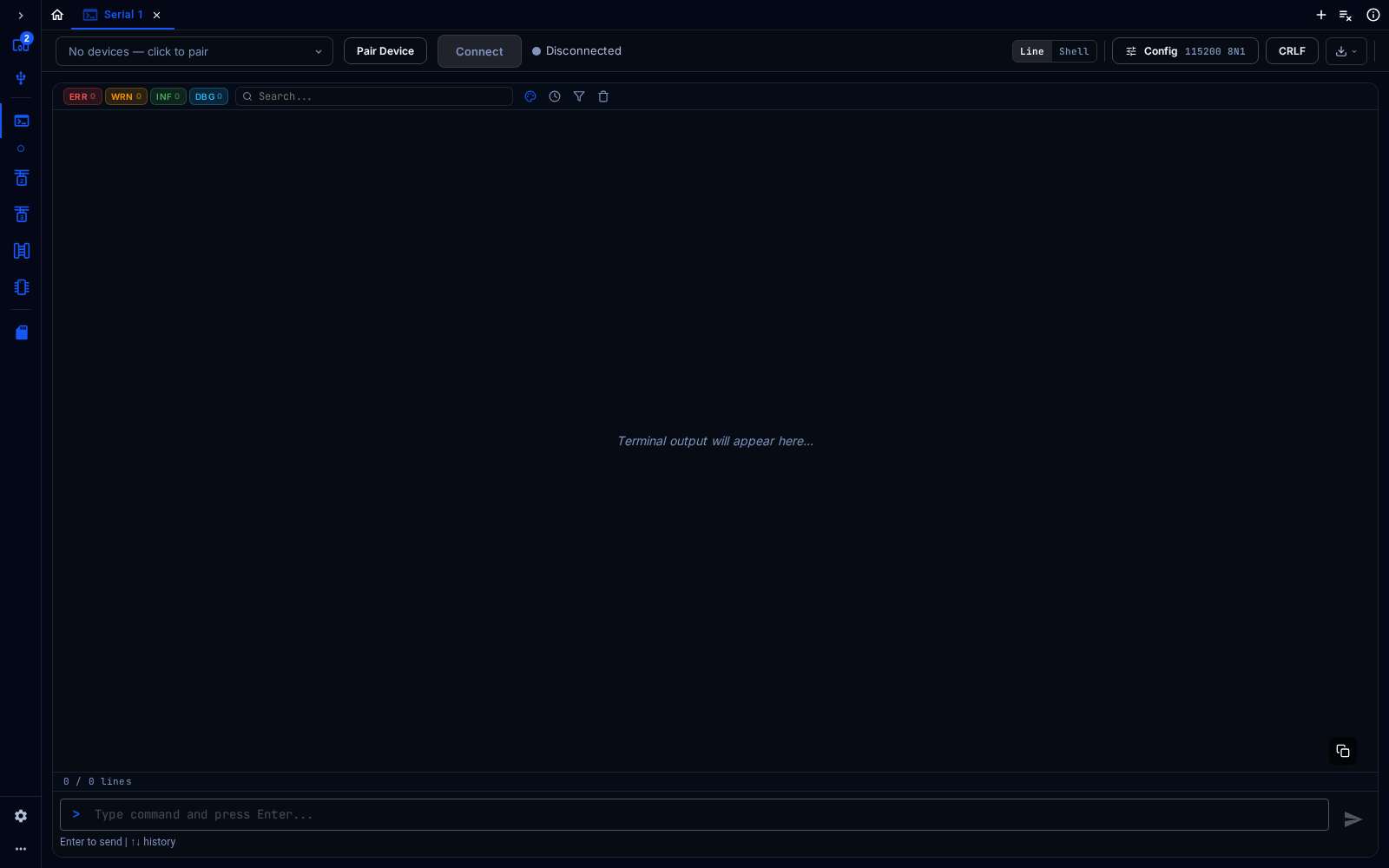
Serial Terminal
The Serial Terminal talks to UART devices and serial consoles through the adapter’s serial port.
Connect
Section titled “Connect”Choose the serial port from the selector at the top left and click Connect. In the web app, click Pair Device first to give the browser access to the port. Config sets the baud rate and frame format (for example 115200 8N1), and the line-ending button sets what is sent at the end of each line (for example CRLF).
Use It
Section titled “Use It”- Line mode: type in the box at the bottom and press Enter to send the line. The up and down arrows recall earlier commands. The output is shown line by line: the counters above it (ERR, WRN, INF, DBG) count lines by log level and filter them, and the search box finds text.
- Shell mode: the output area works as a terminal, for interactive consoles.
- The buttons above the output toggle timestamps, filter and clear the output, and the download button at the top right saves it.