

Hardware
Binho makes three current devices. Each has an overview, a setup guide and a hardware reference, plus firmware, FAQ and troubleshooting pages.
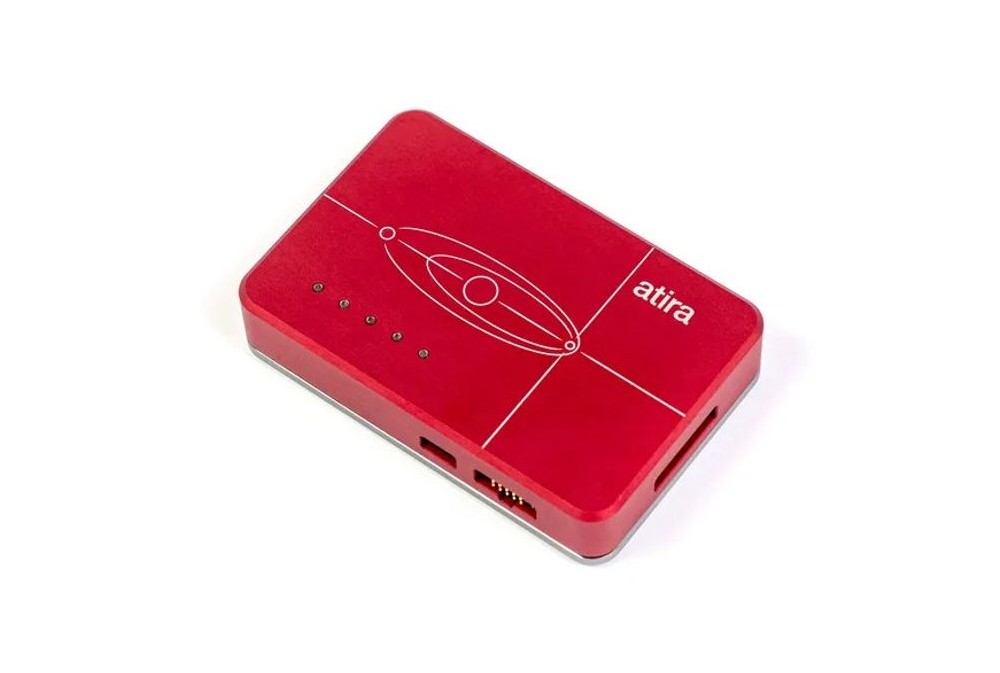
SWD debug probe for Arm Cortex-M: target flashing, switched 3.3 V target power, SPI flash programming and a USB-to-UART bridge.
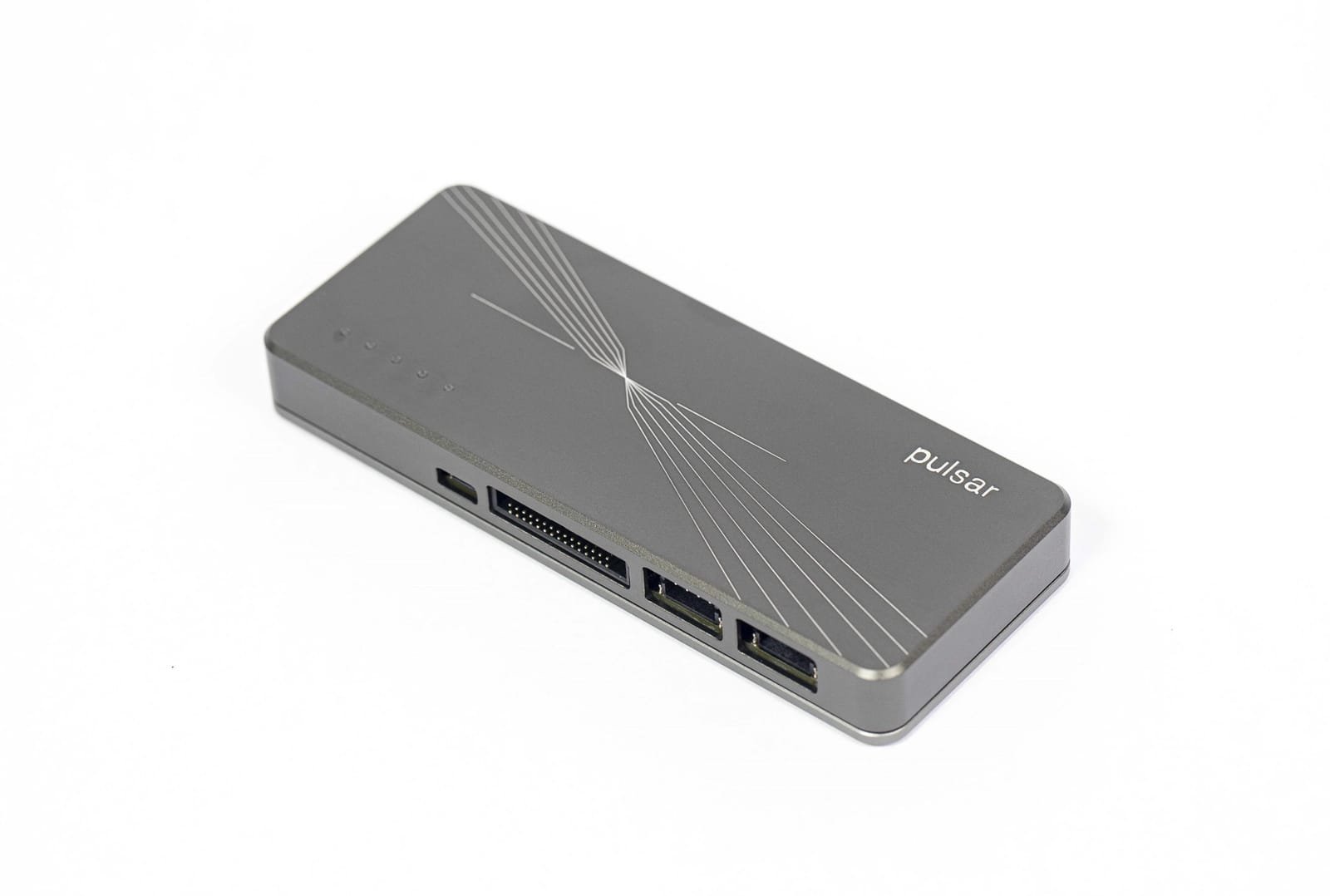
USB High-Speed host adapter for I2C, SPI, UART and GPIO, built for throughput.
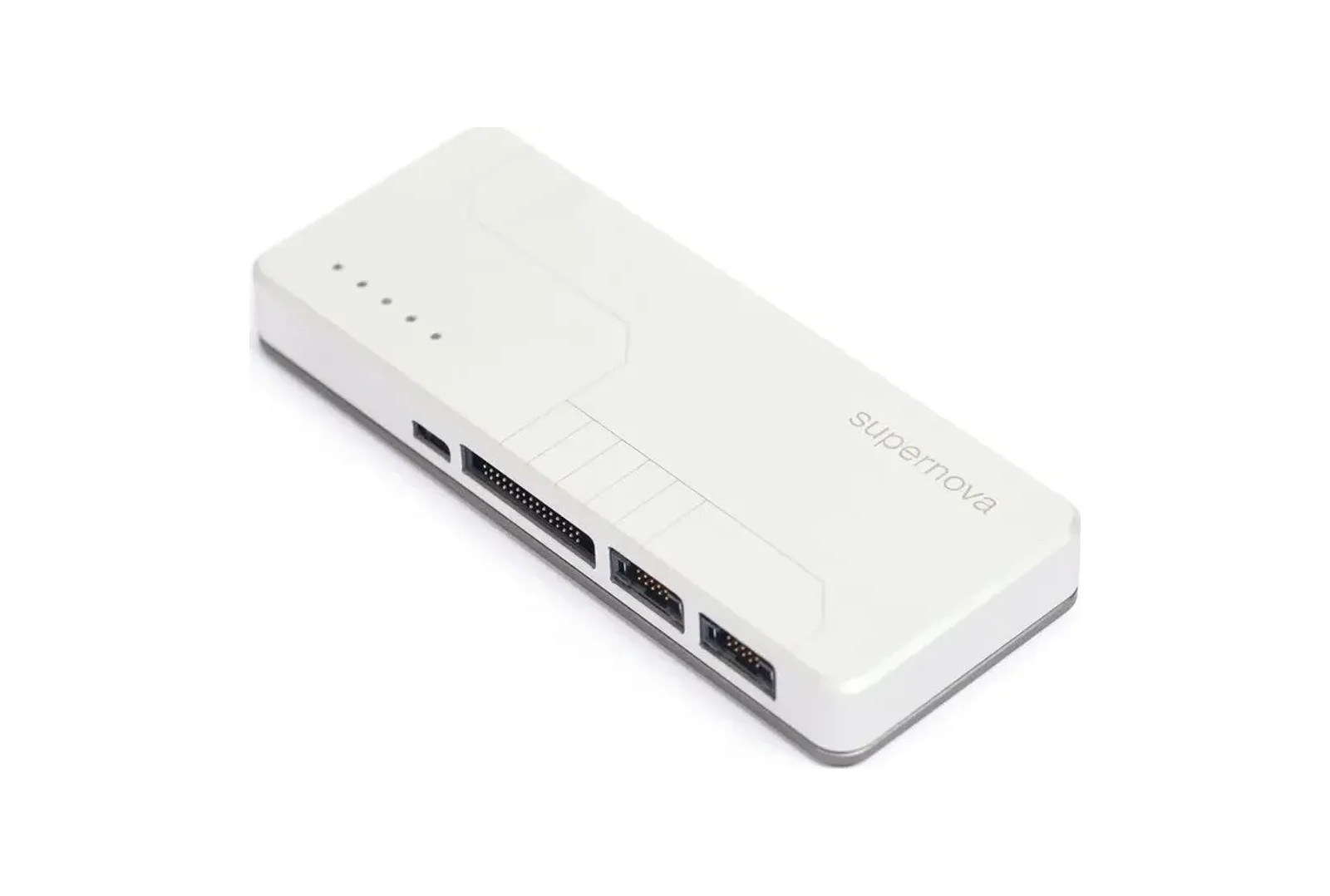
Multi-port host adapter for I3C, I2C, SPI and UART, as controller or target.
Which one do I need?
Section titled “Which one do I need?”- Debugging or flashing an Arm microcontroller: Binho Atira.
- High-speed I2C, SPI, UART or GPIO from a computer: Binho Pulsar.
- I3C, or several buses and ports at once: Binho Supernova.
The Hardware Comparison Table sets them side by side, and Protocols and Interfaces lists which protocols each one supports, with speeds and voltages.
Just unboxed a device?
Section titled “Just unboxed a device?”- Connect a Device: USB drivers, the one-time macOS and Linux steps, and checking the device is detected.
- Safety Notice: review before connecting to a circuit.
- System Requirements: confirm the computer can run it.
Then open the setup guide for the device above.
Accessories and third-party products
Section titled “Accessories and third-party products”- Accessories: the I3C Target Board, the PIC18-Q20 CNano Breakout, the mikroBUS Adapter Board and the I2C Mini-DIN Adapter Cable.
- Third-Party: products from other makers that Binho sells, the Handsfree Probes and the USB GPIB Adapters.
Reference
Section titled “Reference”- Hardware Comparison Table: specs side by side.
- Protocols and Interfaces: protocol support by device.
- Firmware updates: how to update a device, and what each version changes.
- Datasheets: in the document library at my.binho.io, after signing in.
Legacy products
Section titled “Legacy products”Binho Nova, the first-generation adapter, is still supported. See Legacy Products.
Software
Section titled “Software”Mission Control 3 and the SDKs drive every device above. For topics that span devices, such as I3C and USB operating modes, see the Guides.
Need help?
Section titled “Need help?”Start with each device’s Troubleshooting page. If that doesn’t solve it, email [email protected].