
Updating Binho Mission Control Software
Keep Mission Control 2 up to date to get the latest features, optimizations and security fixes:
Auto-Update
Section titled “Auto-Update”-
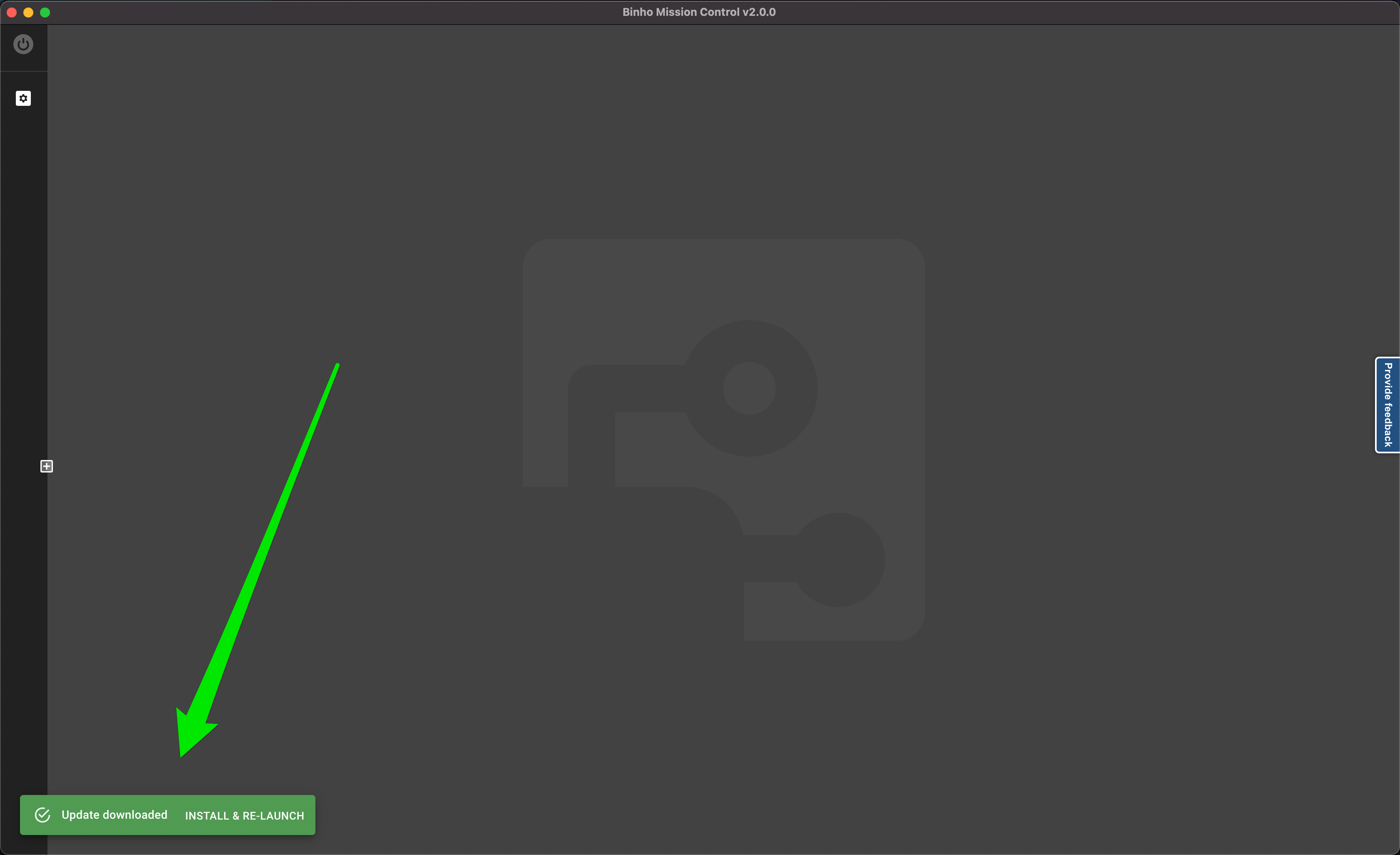
Automatic Detection: When a new version of the Binho Mission Control software is available, the app’s built-in auto-updater shows a notification.
-
Installation: Once notified, choose to update immediately. The software handles the download and installation.
-
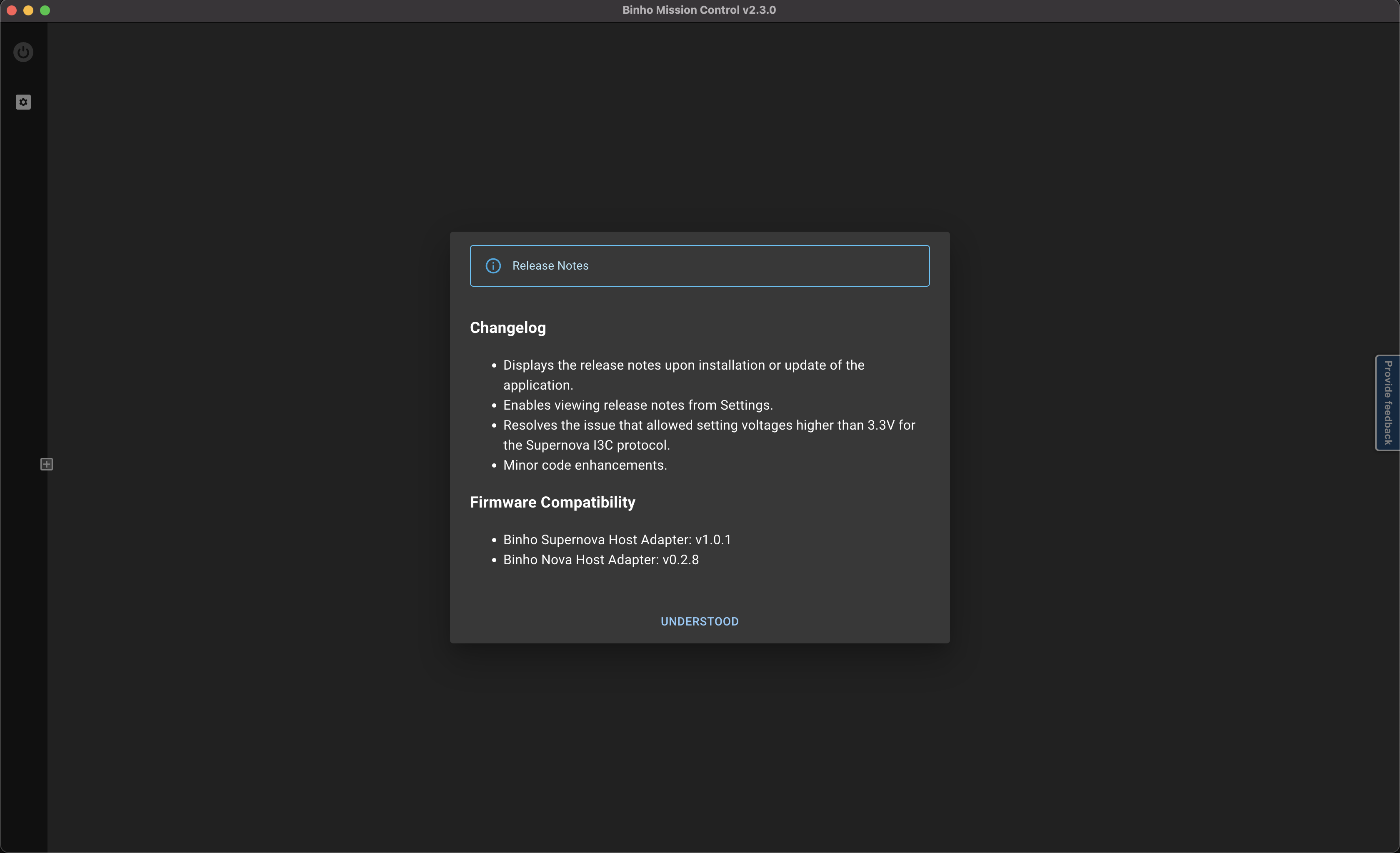
Relaunch & Review Release Notes: After the update is complete and the app is relaunched, the release notes for the new version will be displayed. This summarizes the improvements and changes.
Manual Update
Section titled “Manual Update”To install a specific version, follow these steps:
- Visit the Releases Page: Head over to the Binho Mission Control releases page on GitHub: Binho Releases.
- Choose the Version: Browse through the available versions and select the one needed.
- Download & Install: Click on the desired version to download the installation file. Once downloaded, follow the on-screen instructions to install.
Accessing Release Notes Later
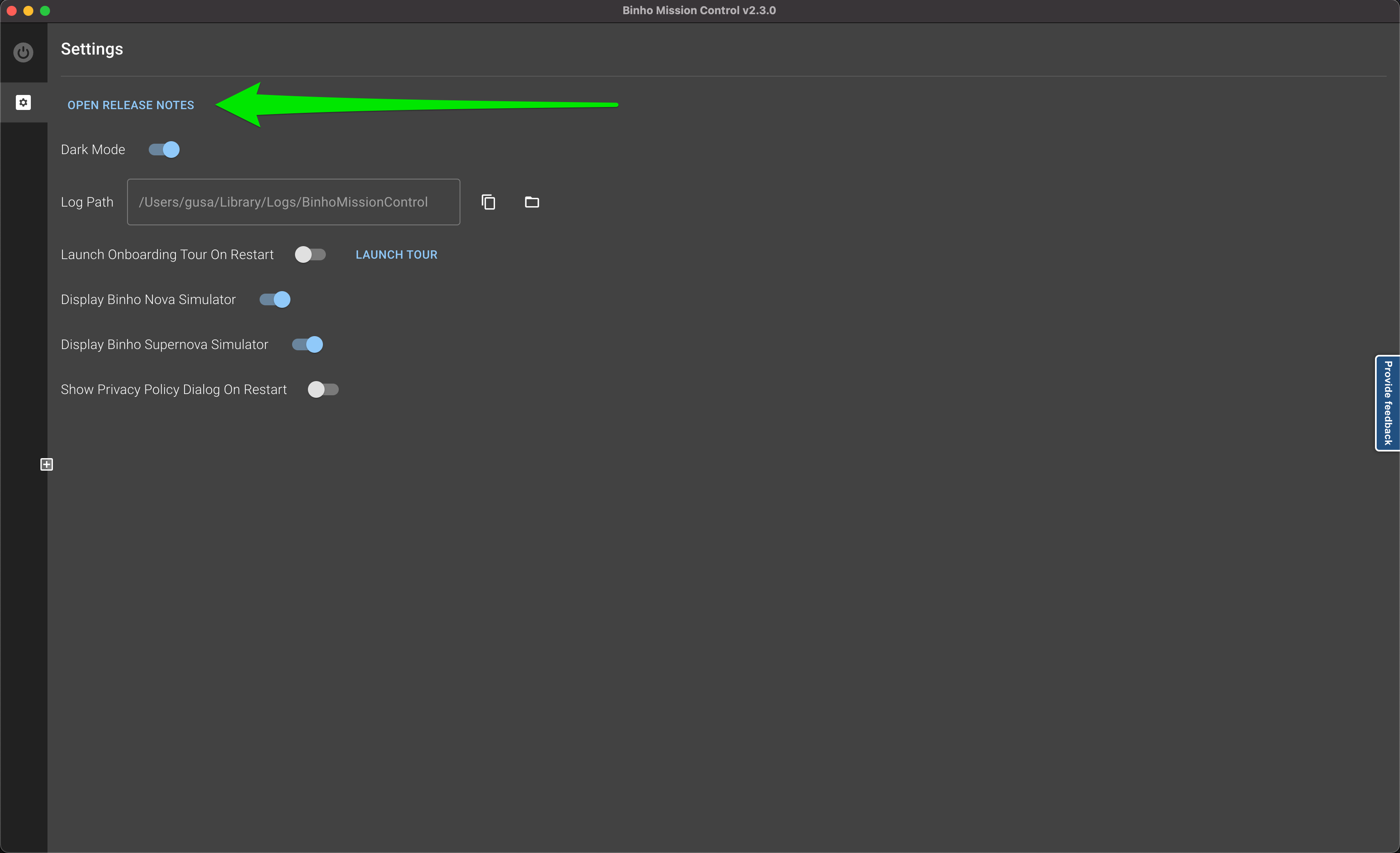
Section titled “Accessing Release Notes Later”The release notes are available at any time in the app under the Settings menu.