

GPIO
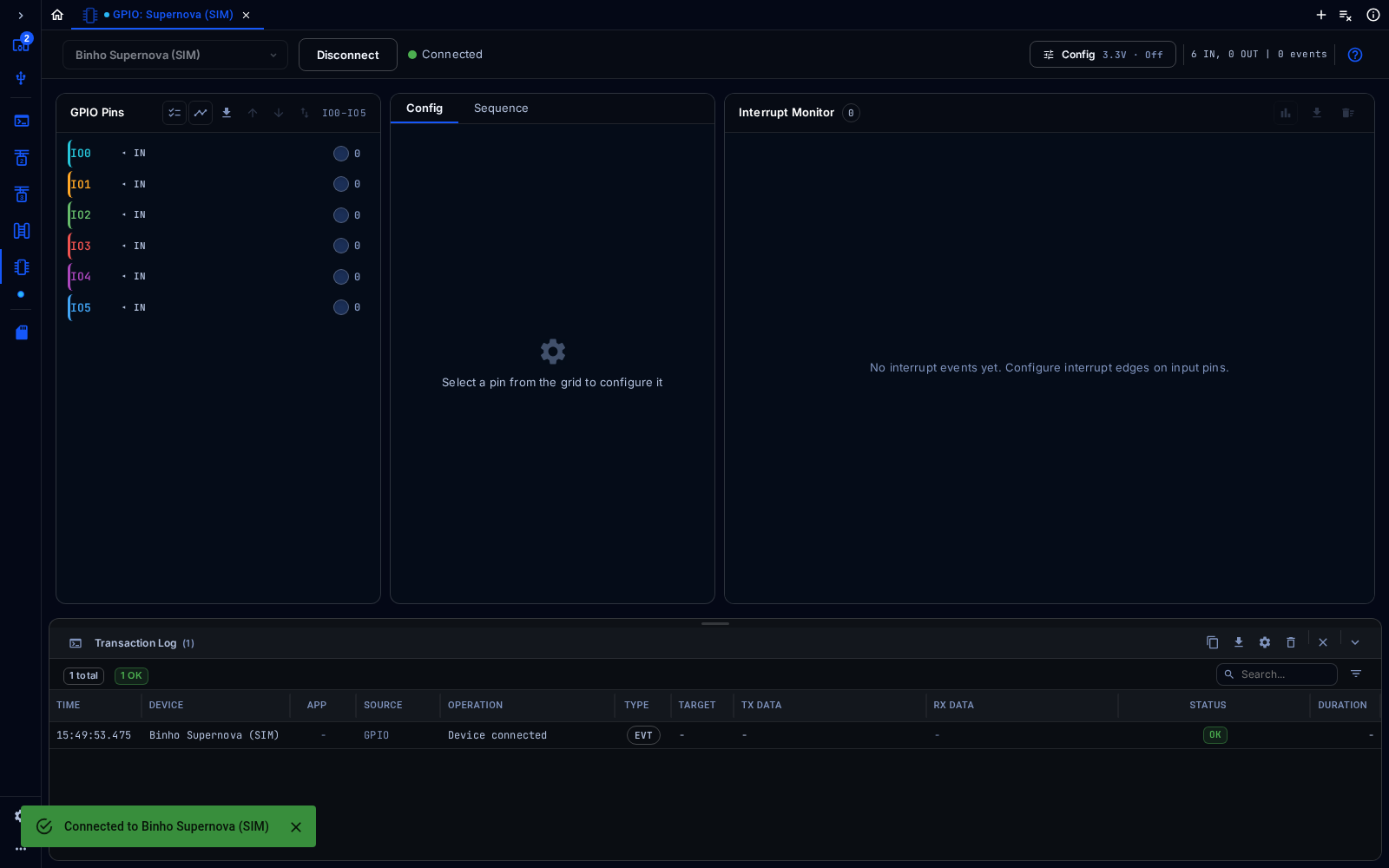
GPIO tool showing the six pins of a simulated Supernova
The GPIO tool configures the adapter’s general-purpose pins and shows their state.
Connect
Section titled “Connect”Connect the adapter as described in Connect a Tool. Config at the top right opens the settings for the pins.
Configure
Section titled “Configure”In Config, set the pin voltage and how often the pin states are polled.
The pin grid lists every pin with its direction (IN or OUT) and its current level. Select a pin to configure it in the Config tab: a label, the direction (input or output), an interrupt edge (rising, falling or both), and Watch, which flags when the pin goes high, goes low or changes. Click Apply Configuration. The Sequence tab builds sequences of pin changes.
The Interrupt Monitor lists interrupt events from input pins as they happen.