

Settings
Access the Settings segment by selecting the “Settings” button located at the bottom of the Navigation Menu. Within this section, users can:
- Toggle preferences such as Dark Mode.
- Toggle the simulators.
- View the log path, where the log file is saved.
- Decide if the Privacy Policy Dialog and the Launch Onboarding Tour should appear upon the next launch of the BMC App.
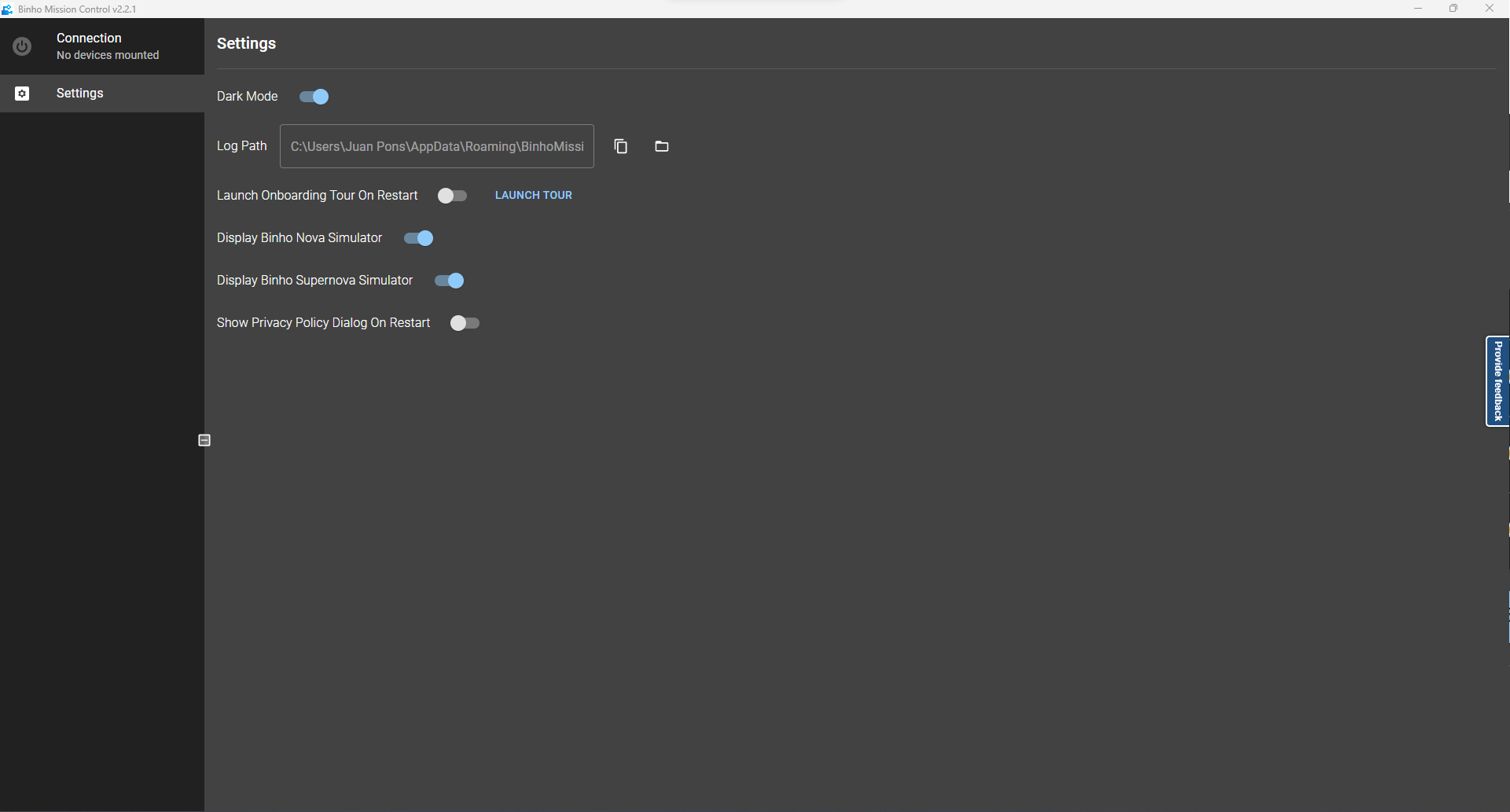
Settings section